 AI Briefing
MoneyPrinterTurbo: Automated vertical video synthesis from a single topic line
harry0703/MoneyPrinterTurbo
About the project
MoneyPrinterTurbo is a tool that automates the entire process from script writing, asset matching, subtitle and background music generation, to final video synthesis by simply inputting a single topic line. Unlike traditional methods, it can instantly produce high-quality videos in 9:16 vertical and 16:9 horizontal formats without manual editing. It provides four interfaces—WebUI, API, CLI, and AI Agent—for flexible integration into various development environments.
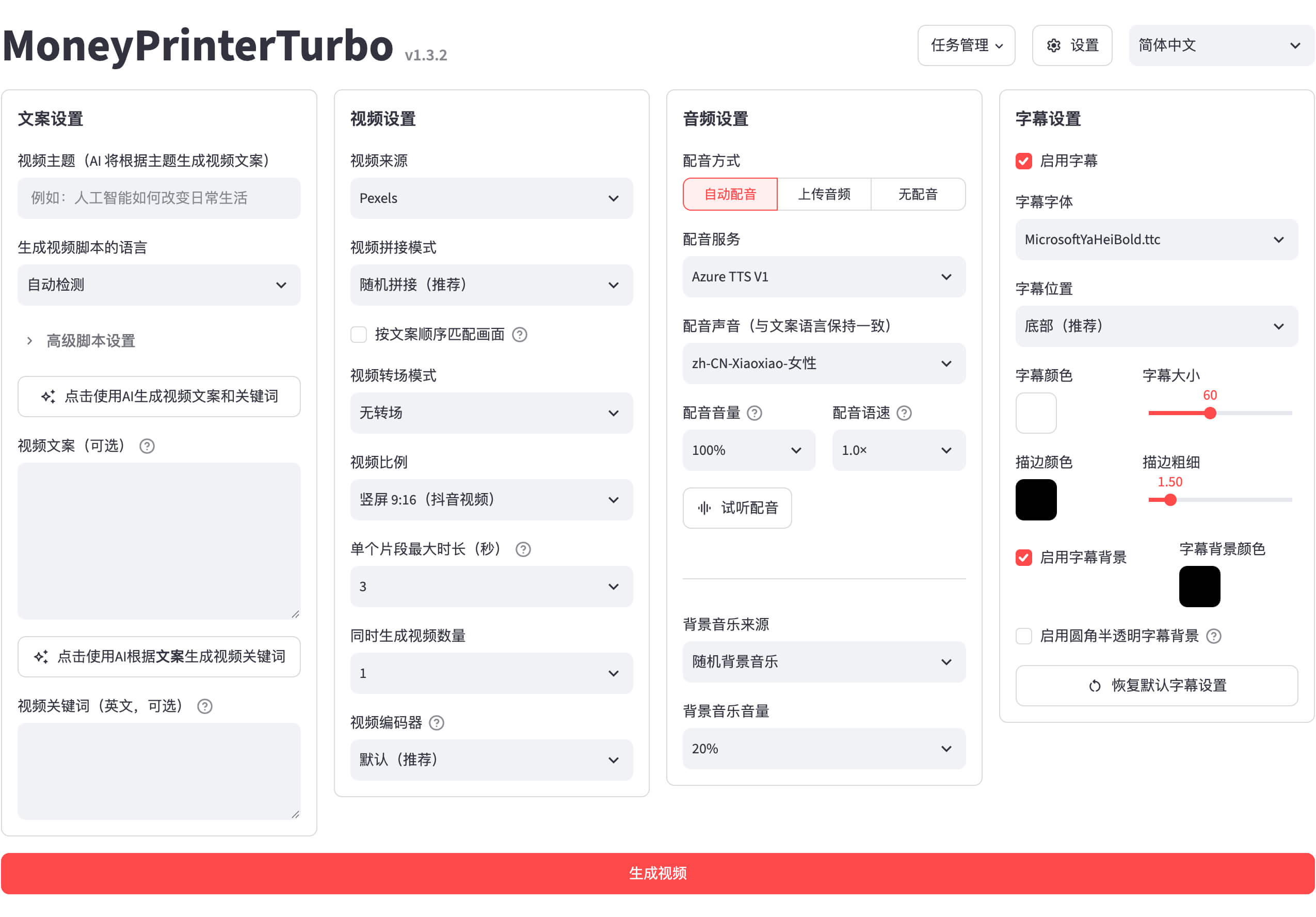
It broadly supports LLMs, TTS, and video synthesis engines, allowing combinations tailored to user environments. It can integrate with major LLM services such as Kimi, OpenAI, Gemini, and DeepSeek, as well as various speech synthesis engines like Edge TTS, Azure Speech, and ElevenLabs. Users can automatically search for free high-quality assets from Pexels, Pixabay, and Coverr, or directly specify local files for use.

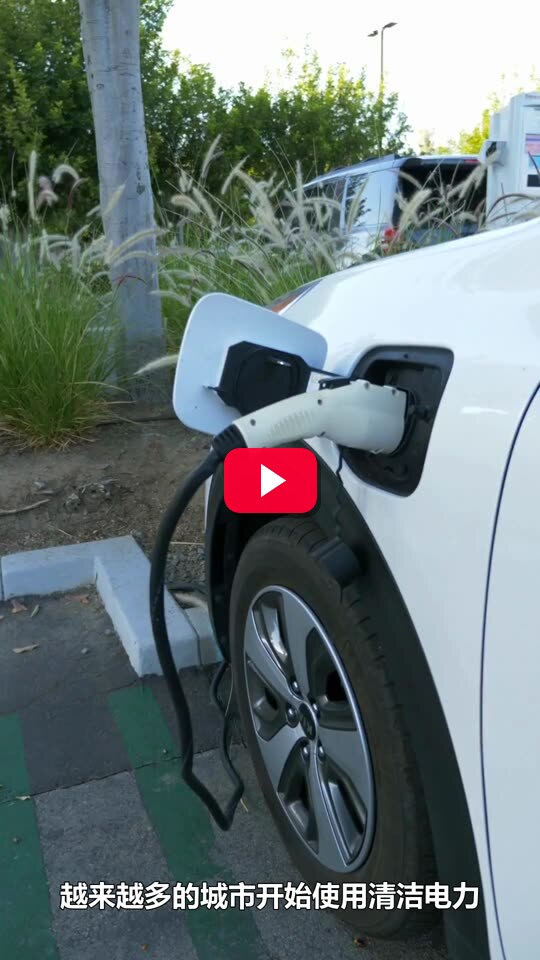

Beyond single video generation, batch processing capabilities allow the simultaneous creation of multiple versions to select the optimal result. Built-in features for automatic upload to TikTok, Instagram, and YouTube Shorts after generation simplify the content distribution pipeline. While it can run without a GPU, one is recommended for performance improvements during local transcription or mass generation.
harry0703/MoneyPrinterTurbo
利用 AI 大模型和自动化工作流,根据主题或关键词一键生成高清短视频。Generate HD short videos from a topic or keyword with an automated AI workflow.
Python
This introduction was generated automatically by AI. Check the original for the author's claims and context. Copyright belongs to the original author.
Our guide explains how the AI works. Report errors, attribution issues, or removal requests via Contact.