 AI Briefing
brag: Launch Video Creation for Completed Projects with a Single Command
latent-spaces/brag
About the project
Eliminates the hassle of manually editing demo videos for newly created projects. In AI agent environments like Claude Code or Codex CLI, simply entering the /brag command automatically generates a short launch video that highlights the project's features.
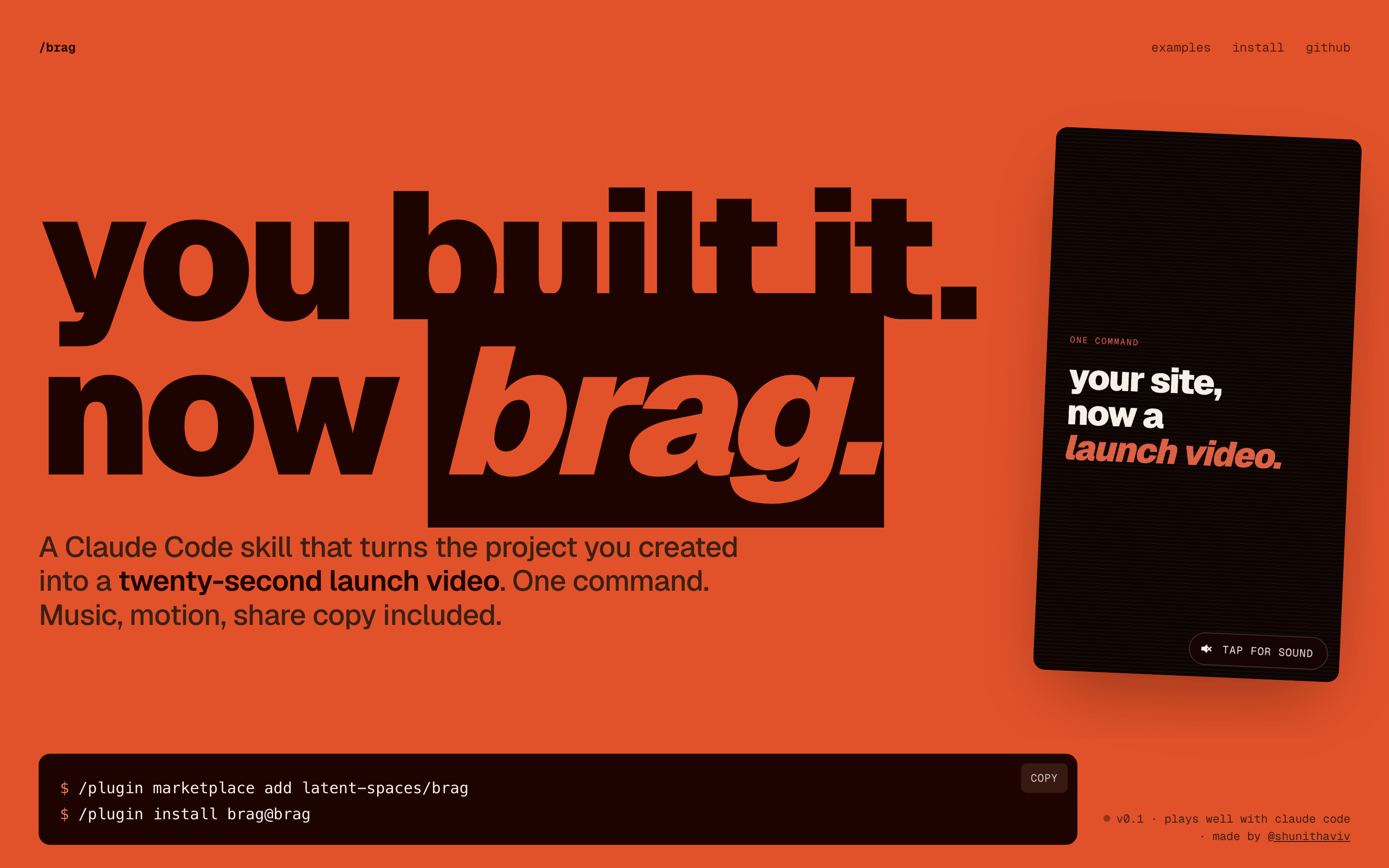
Instead of simple screen recording, it uses the Hyperframes engine to produce a polished video including music, motion graphics, and shareable text. Tone adjustment options allow specifying specific concepts such as '2016 Series A Launch', and Kokoro-based narration can be added if desired.
For the Opus 5.5 model, a resource-optimized /brag-slim version is automatically applied to create videos in a lighter manner. The final output is saved as an mp4 file along with a composition plan in the brag-output folder, ready for immediate sharing on SNS or portfolios right after development.
latent-spaces/brag
You built it. Now brag. Turn the project you just created into a short, shareable launch video with one command.
Python
This introduction was generated automatically by AI. Check the original for the author's claims and context. Copyright belongs to the original author.
Our guide explains how the AI works. Report errors, attribution issues, or removal requests via Contact.