 AI Briefing
m3e-canvas: Design M3 Expressive UI by Dragging and Convert to AI Coding Prompts
lnkiai/m3e-canvas
About the project
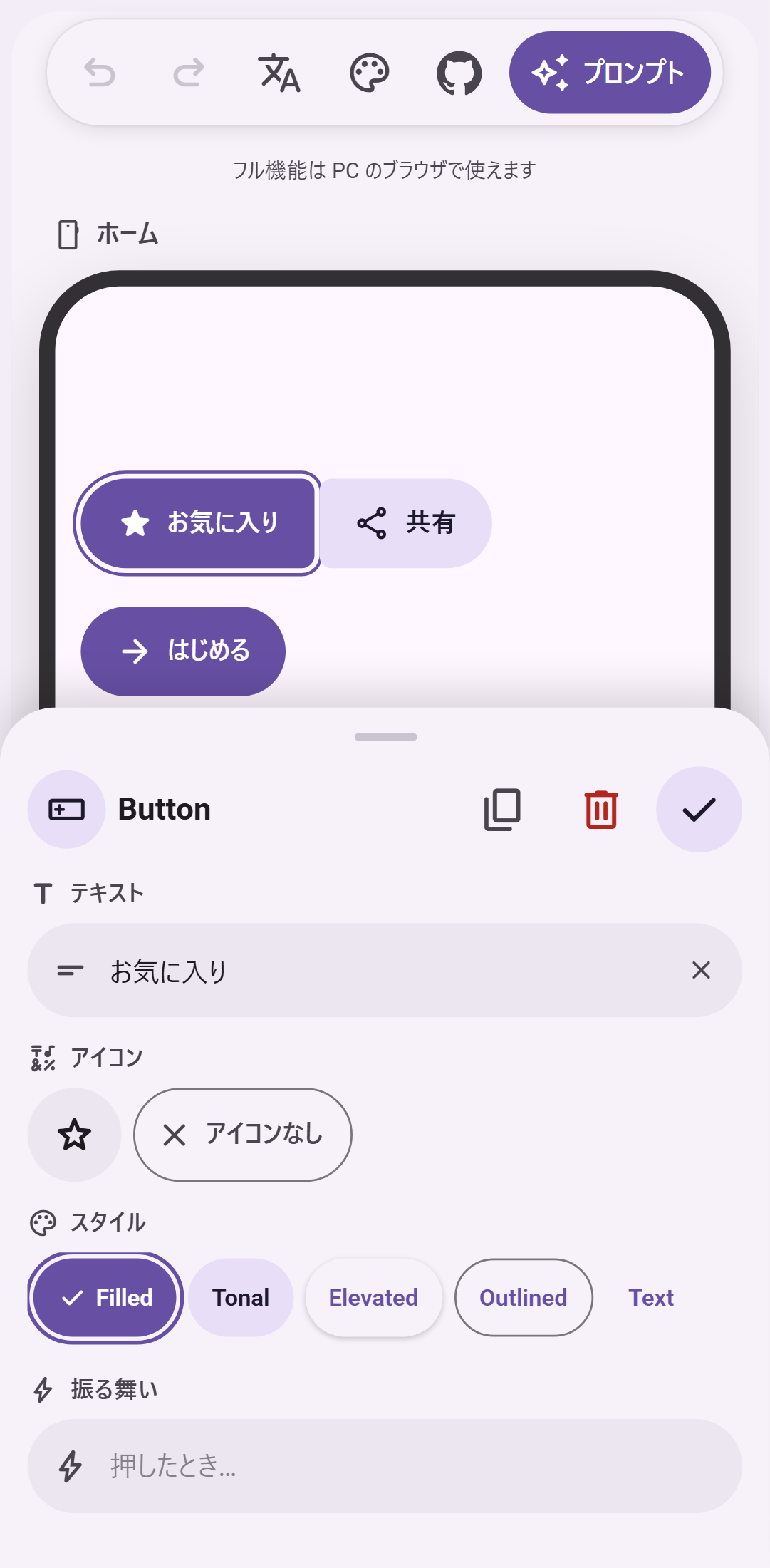
This is a prototyping tool that allows you to arrange Material 3 Expressive design elements via drag-and-drop in the browser and visually connect navigation logic between screens. You can combine various components such as buttons, FABs, and app bars to preview interactions similar to real apps.
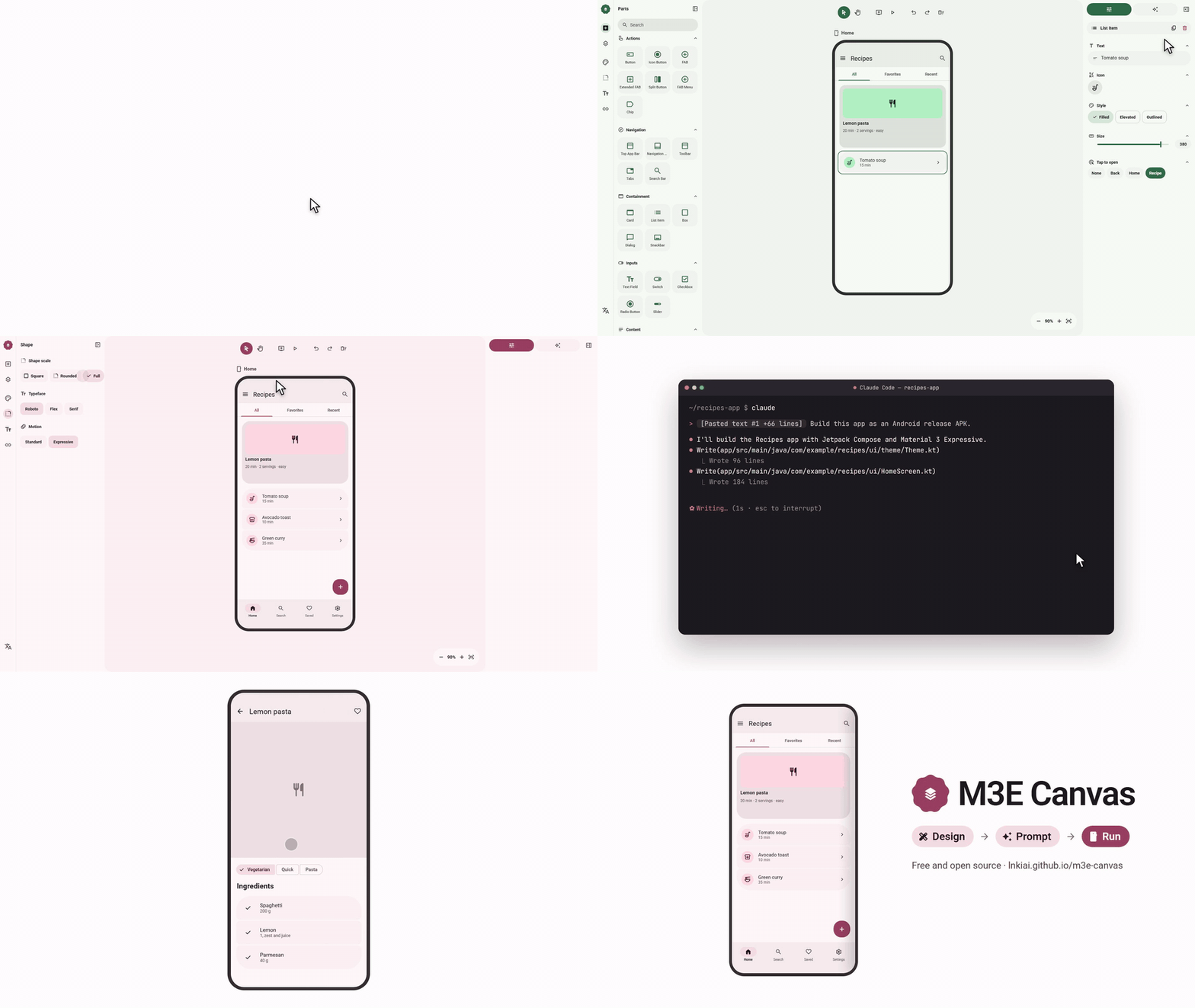
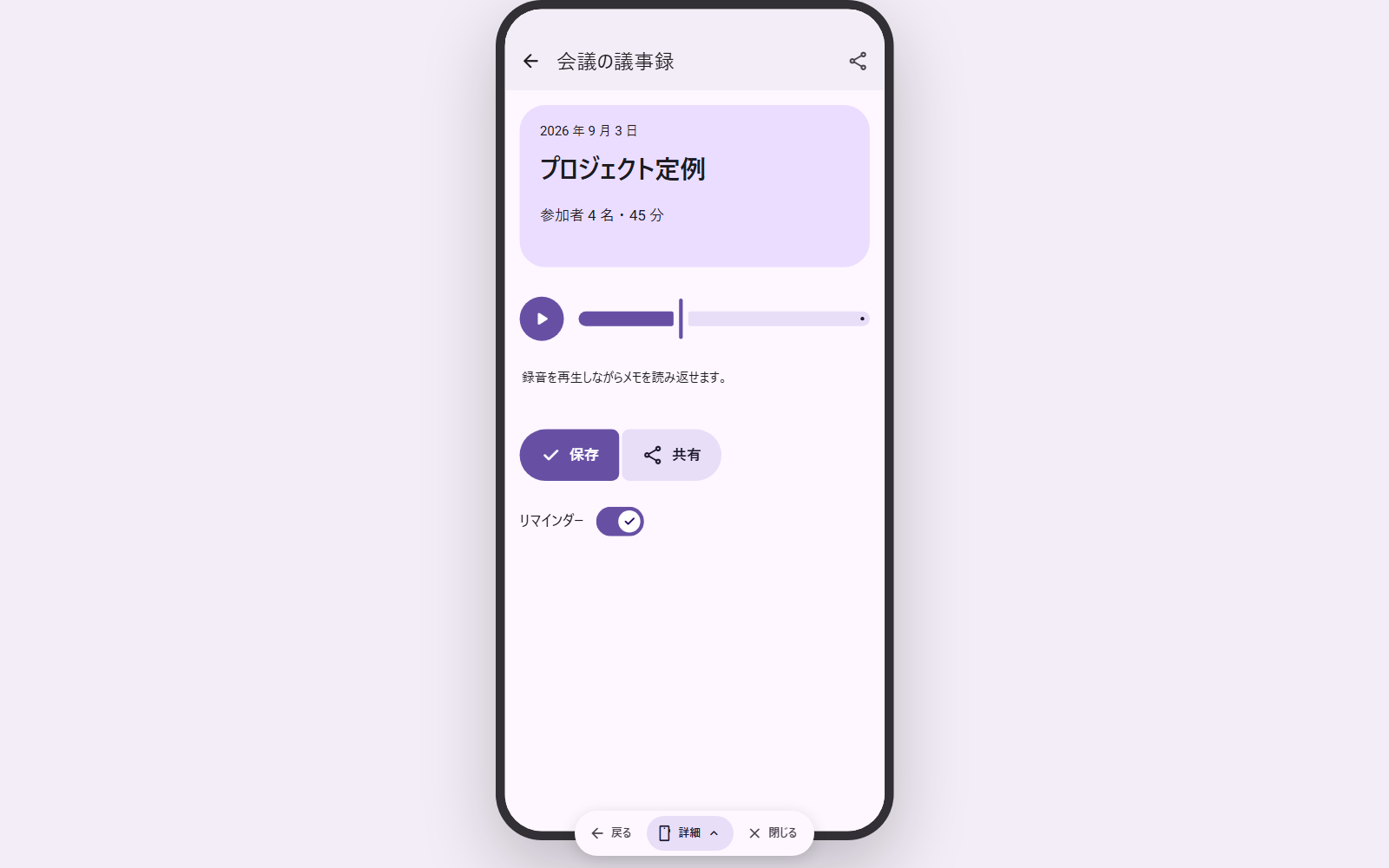
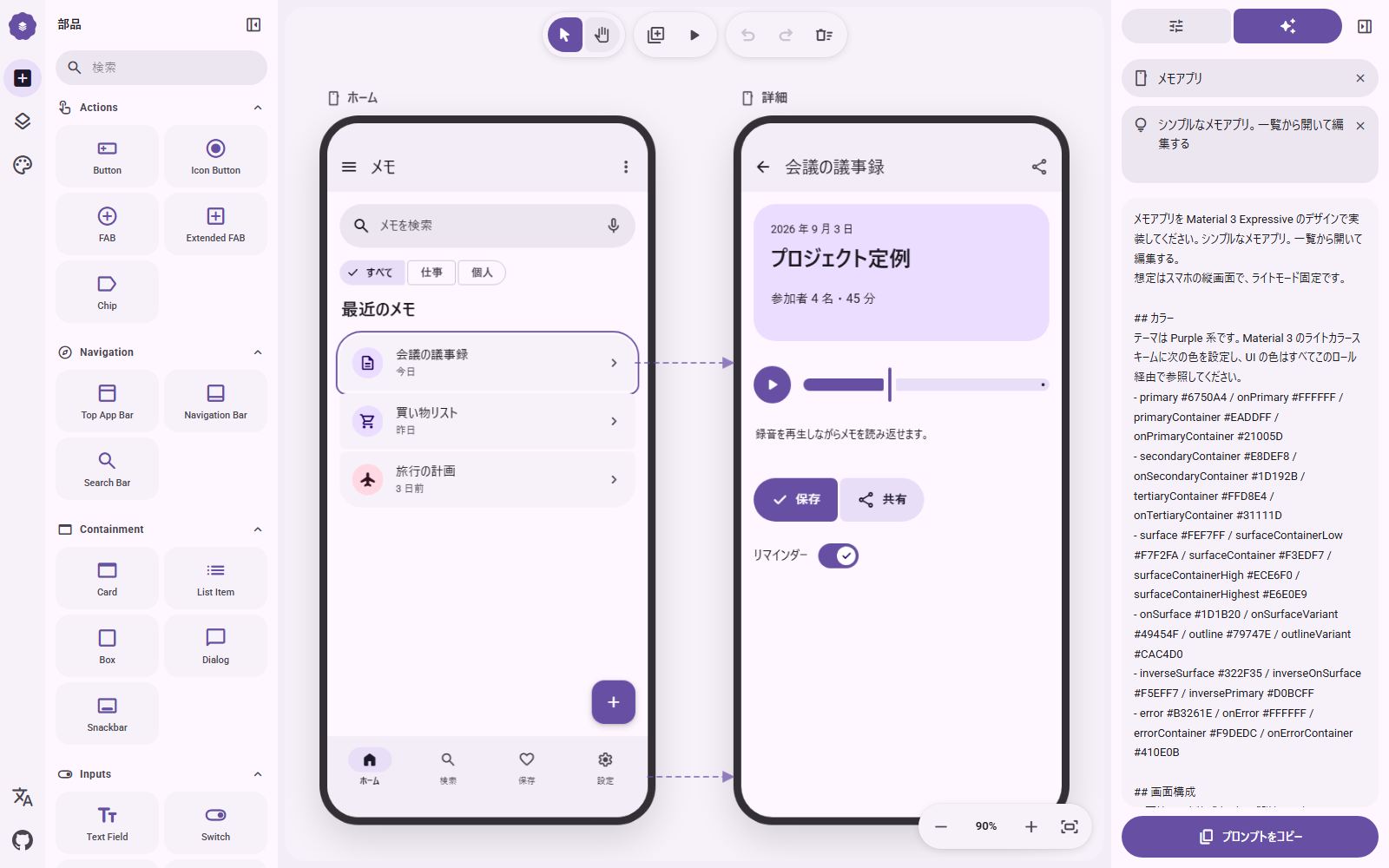
Designed screens are automatically converted into natural language prompts that can be directly pasted into AI coding tools like Claude Code, Cursor, and Gemini CLI. By selecting a target platform of either Android or Web, a prompt specifying the corresponding tech stack is generated, significantly reducing the steps from design mockup to actual code implementation.
You can finely adjust the four pillars of M3 Expressive—color, shape, typography, and motion—in a single panel, generating an entire theme from a single seed color or supporting dynamic color. Integrating external API keys such as OpenAI or Claude also provides a feature where AI automatically writes descriptions of specific component behaviors or screen overviews.
lnkiai/m3e-canvas
Sketch Material 3 Expressive screens in the browser and turn them into vibe-coding prompts.
TypeScript
This introduction was generated automatically by AI. Check the original for the author's claims and context. Copyright belongs to the original author.
Our guide explains how the AI works. Report errors, attribution issues, or removal requests via Contact.